About your lock screen
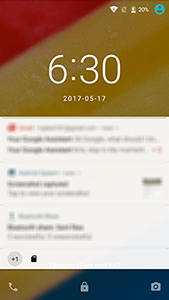
The lock screen appears when you're using a screen lock and you power on your phone or turn on the screen.
TipIf you're using Moto Display, you'll see those notifications before you get to your lock screen.
From the lock screen, you can:
- Make an emergency call.
- View and respond to notifications. Double touch one to open it.
- Open your quick settings. Swipe down from the top of the screen.
- Start a call. Swipe
 right.
 - Open the camera. Swipe
 left.
left.
You can customise your lock screen to add a message and control which notifications appear.