Use navigation bar
Show navigation bar
In addition to using the fingerprint sensor for security, (unlocking phone and logging into apps), you can also use the sensor to move between screens.
Remove the 

 navigation icons and use the
  navigation bar instead.
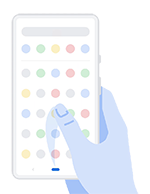
- Go to Settings > System > Gestures.
- Turn Swipe up on Home button on
 .
.
To restore the navigation icons, turn Swipe up on Home button off  .
.
Navigate with one finger
Use these gestures with the navigation bar to move between screens.
- To see recently used apps, swipe up from the bottom of any screen. Touch one to enter the app.
- To see all apps, drag up slowly from the bottom of any screen.
- To switch between the two most recently used apps, swipe right.
- To go back, touch
 .
.