Insert and remove SIM and SD cards
If you need to insert a SIM or SD card, then you'll need to remove the back cover (shell) of your phone.
Remove back cover
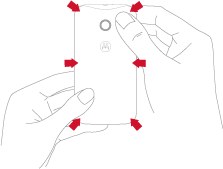
Put your fingernail in the charging port.

With your thumb on the Motorola symbol, pry the cover off. Don’t be afraid to use a little muscle.
Replace back cover
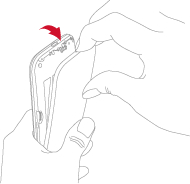
Insert the left side first.
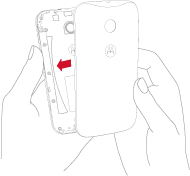
Snap the cover on.