Remove and replace back cover
If you need to insert a SIM or SD card, then you'll need to remove the back cover (shell) of your phone.

To remove back cover:
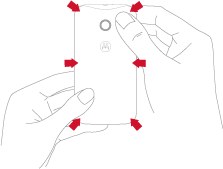
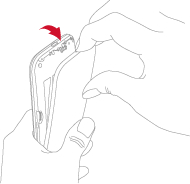
Put your fingernail in the charging port.

With your thumb on the Motorola symbol, pry the cover off. Don’t be afraid to use a little muscle.
To replace back cover:
Insert the left side first.
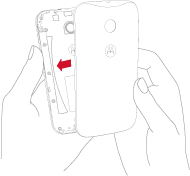
Snap the cover on.