Flick your phone to open Camera
Don’t miss a shot! Open your camera instantly from any screen, even your lock screen, with Quick capture.
Flick your phone twice like this:
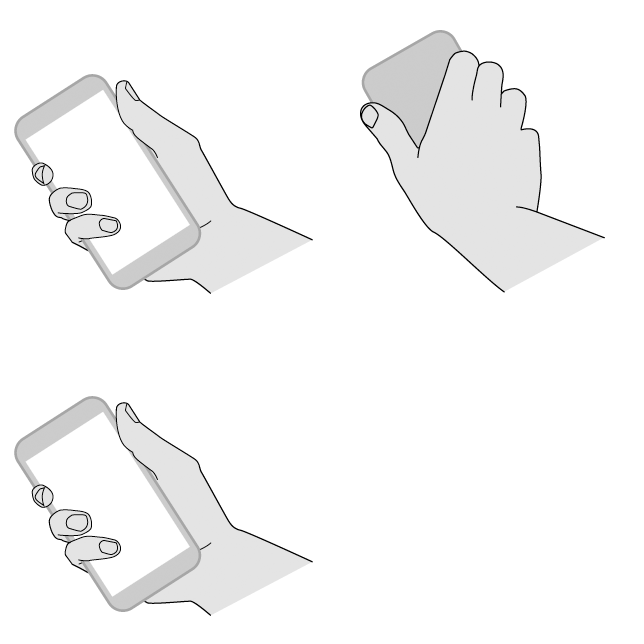

Your viewfinder opens, and you’re ready to shoot.
If you don’t want others to access your camera, you can turn Quick capture off. But if you use a screen lock, don’t worry — only your Camera app is accessible. To view existing photos or access any other features or apps, you must unlock your phone.
To turn Quick capture on or off:
- Swipe the viewfinder to the right and slide the settings wheel.
- Touch
 .
.
verizon-en-us-en-gb-3207-42