When you receive a new message, calendar reminder, missed call or other notification, the status bar at the top of the screen shows notification icons on the left-hand side. On the right-hand side, you'll see signal strength, battery level and other phone status icons.
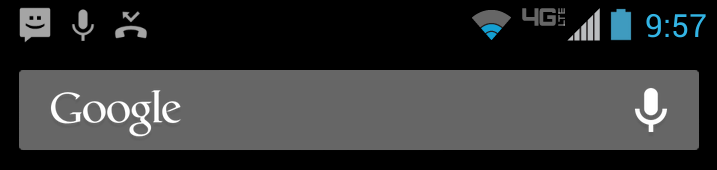
You may also hear a sound when a notification arrives, depending on your notification settings.
View notifications from your Home screen
To see your notifications, drag the status bar down. Then you can:
- Respond to a notification by touching it. This opens the associated app. Some notifications have optional actions that are displayed at the bottom of the notification. With actions, you can handle the most common tasks for a notification from the notification shade without having to open the originating application.
- Expand a notification that includes extra options (Gmail, calendar event etc.) by dragging it down with two fingers.
- Dismiss a notification by swiping it sideways.
- Clear all notifications by touching X.
Most apps that send notifications have settings that you can adjust to control the notifications.
Advanced ways to get notifications
You can preview and open notifications when your screen is off, even from a locked screen, with Active display. And when you’re away from your phone, you can send notifications and messages to your computer’s Chrome browser with Motorola Connect.
verizon-en-us-en-gb-3207-42